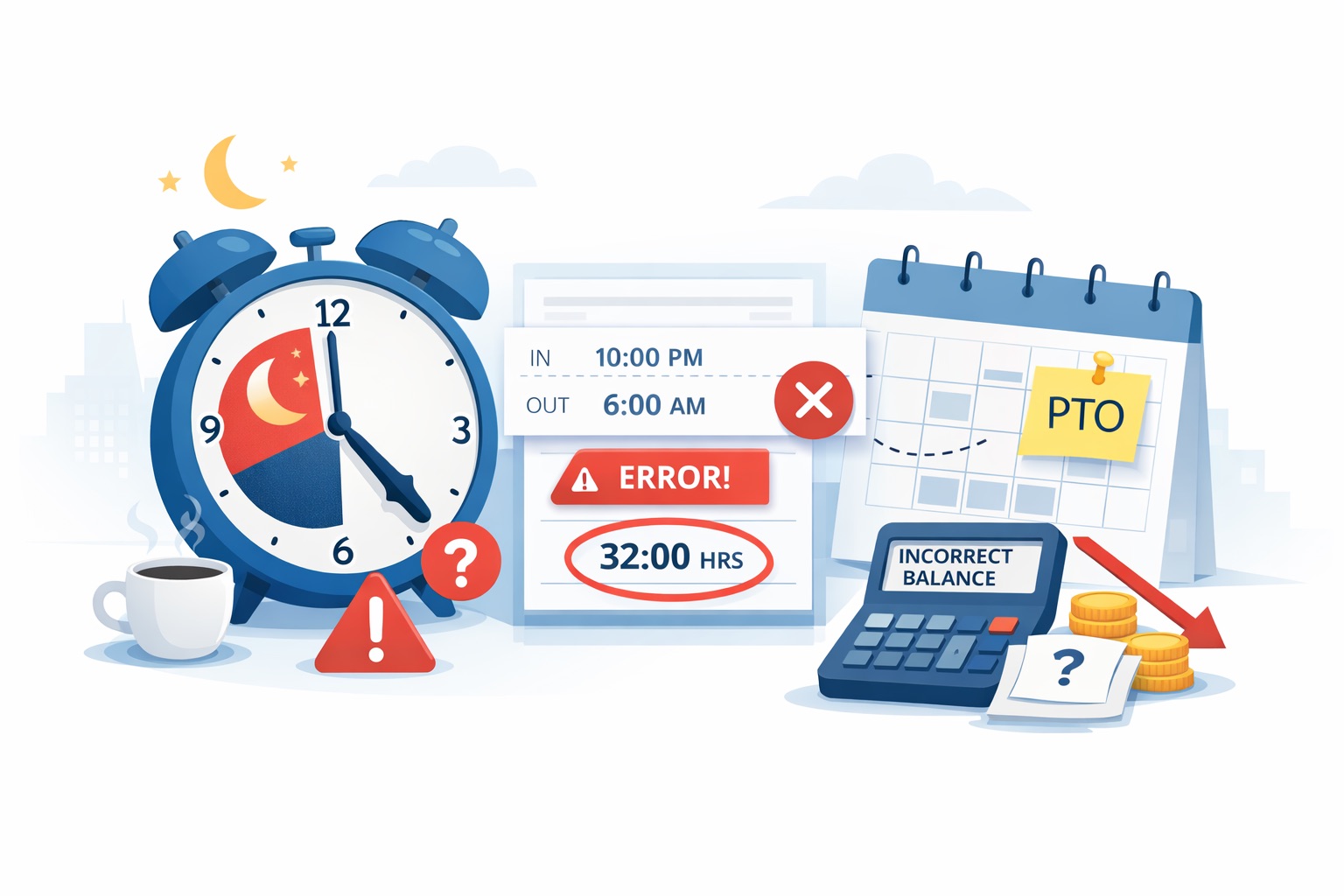
If you manage time tracking and absence for teams working nights, you know how one small setup detail can throw off everything. A common frustration hits when employees work overnight shifts that cross midnight—like starting at 5 PM on Friday and ending at 1 AM on Saturday. The system counts Saturday as a full working day, even though the employee only worked one hour into it. This pushes the “number of days worked in a week” from 5 to 6, which messes up the daily scheduled hours calculation (weekly hours divided by days worked). The result? Wrong accrual balances for PTO, sick time, and other leave. Many Workday system admins across the US and Canada deal with this exact headache every pay period.
At DecisionMakersHub.com, we break down real-world HR tech challenges so leaders can fix them fast and keep everyone paid correctly.
Why Overnight Shifts Break the Usual Calculation
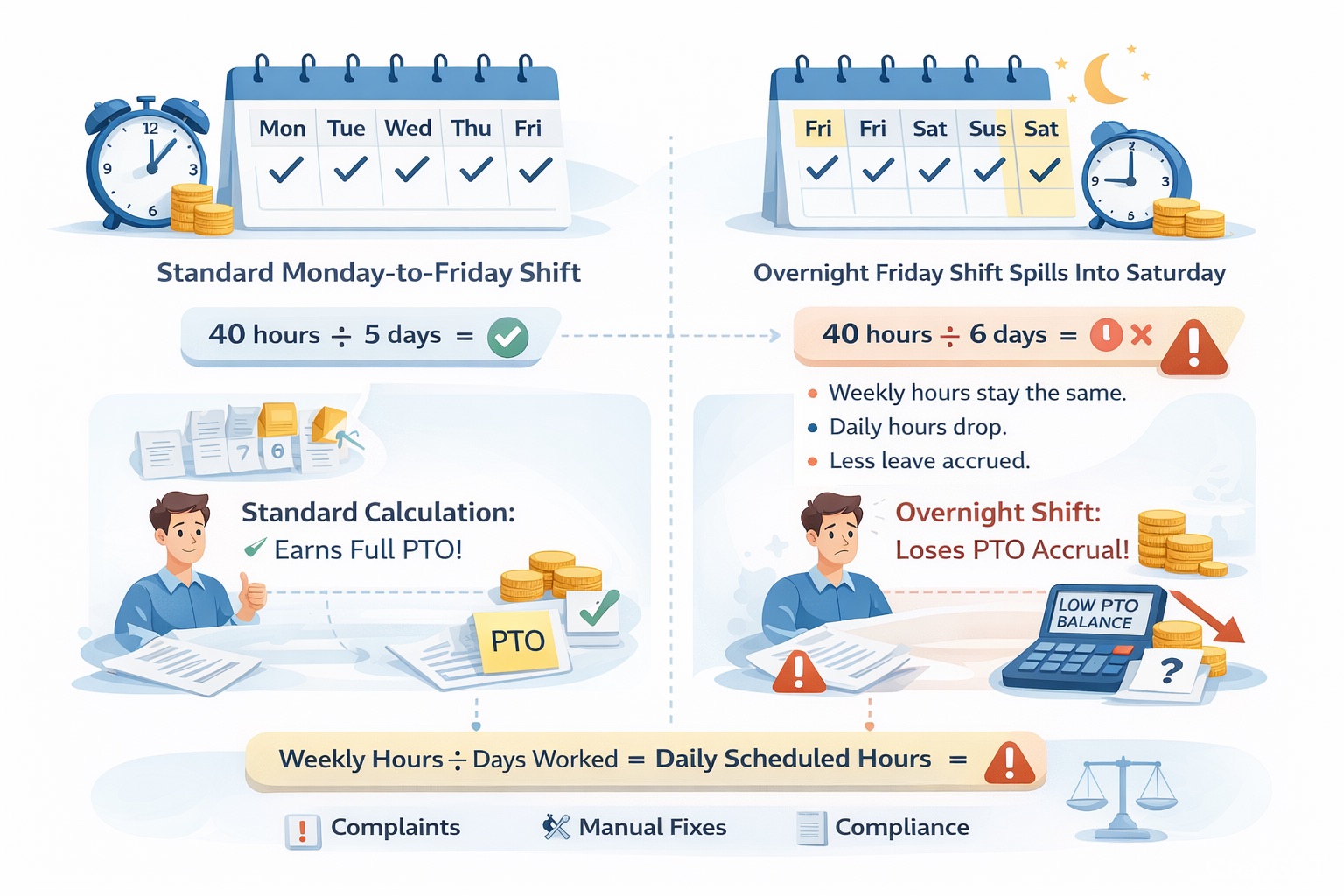
Most time-tracking systems base schedules on calendar days that start at midnight. A standard Monday-to-Friday shift fits neatly: five clear days, 40 hours, eight hours per day. But an overnight shift starting Friday at 5 PM spills one hour into Saturday. The work schedule calendar sees activity on six different dates, so it reports six “days worked.”
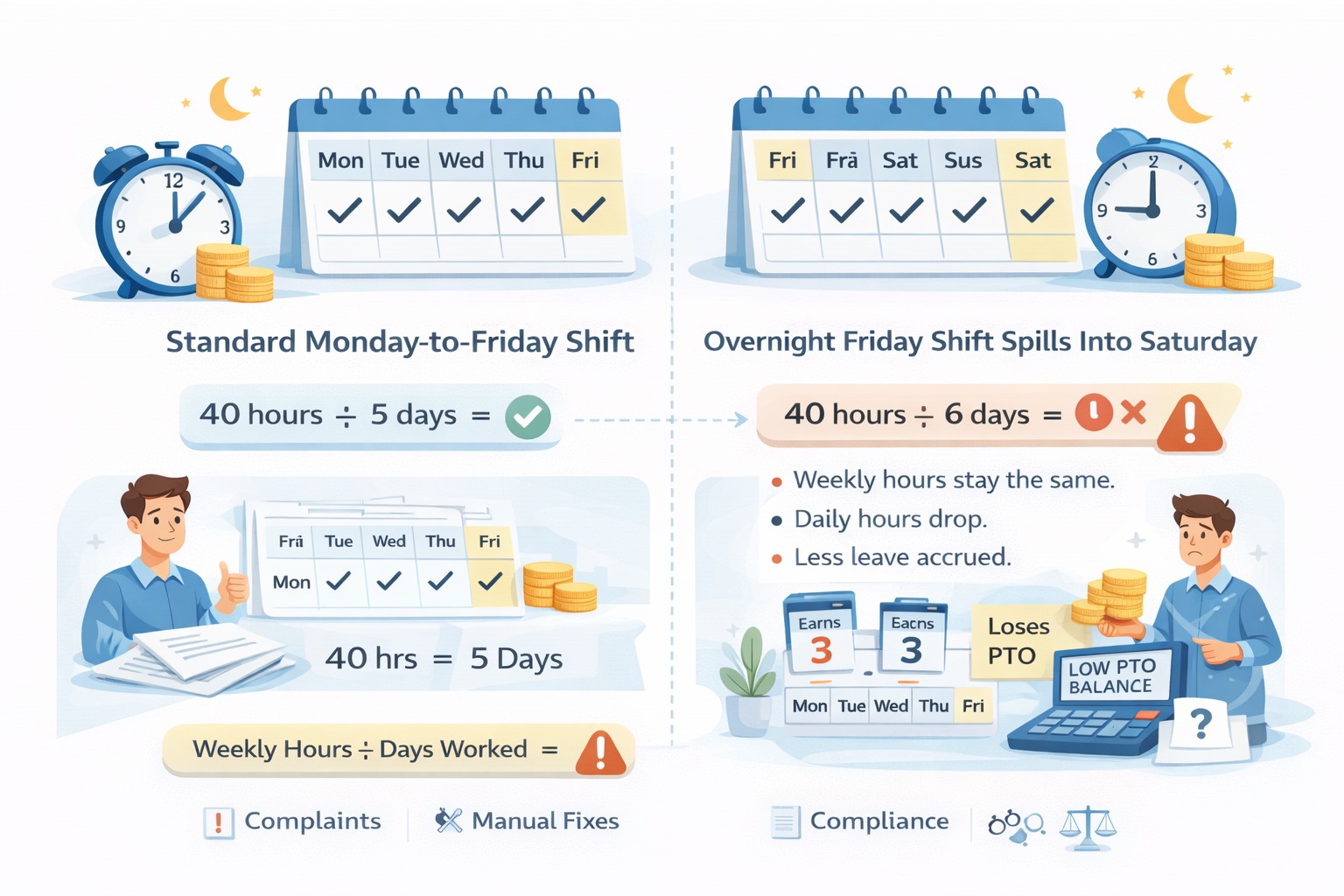
This directly affects the simple formula many teams use for daily scheduled hours: total weekly hours ÷ number of days worked. When the day count jumps to six, the daily hours drop artificially. Accrual rules that rely on that daily number then award less leave than employees earned. Over months, small differences add up to big complaints, extra manual fixes, and even compliance worries under U.S. Department of Labor or Canadian employment standards.
How the Work Schedule Calendar Actually Works for Shifts
The calendar tries to map every hour to a date. For overnight shifts, the system often uses a “day breaker” setting or shift definition to decide which calendar day gets the credit. Without the right configuration, any time after midnight lands on the next day and counts as a new working day. That is exactly what turns a clean five-day week into a six-day count.
Resources from the Society for Human Resource Management (SHRM) stress the importance of clear, predictable schedules for shift workers. Their timekeeping checklists remind admins to define the workweek carefully and make sure every hour is credited to the correct day—especially when shifts cross midnight. Following these guidelines helps avoid the spillover problem before it starts.
Real Impact on Accruals and Team Morale
Accruals are usually calculated daily or weekly based on scheduled hours. When the daily number is wrong, employees see lower balances than expected. Managers spend hours adjusting entries manually. Payroll teams rerun reports. In the worst cases, employees file questions about “missing” leave, which hurts trust.
This issue shows up most often in 24/7 operations—hospitals, manufacturing, logistics, and customer support—where overnight coverage is essential. US and Canadian admins know the pressure: labor laws require accurate recording of all hours worked, and small calculation errors can trigger audits or disputes.
Practical Ways to Fix the Overnight Shift Issue
Start by reviewing your work schedule calendar setup. Many systems let you define shifts with exact start and end times and assign a “primary day” or day breaker so the entire shift belongs to one calendar day. Test the change with a sample employee profile using the exact 5 PM–1 AM Monday-to-Friday pattern. Run the weekly hours report and confirm the day count stays at five.
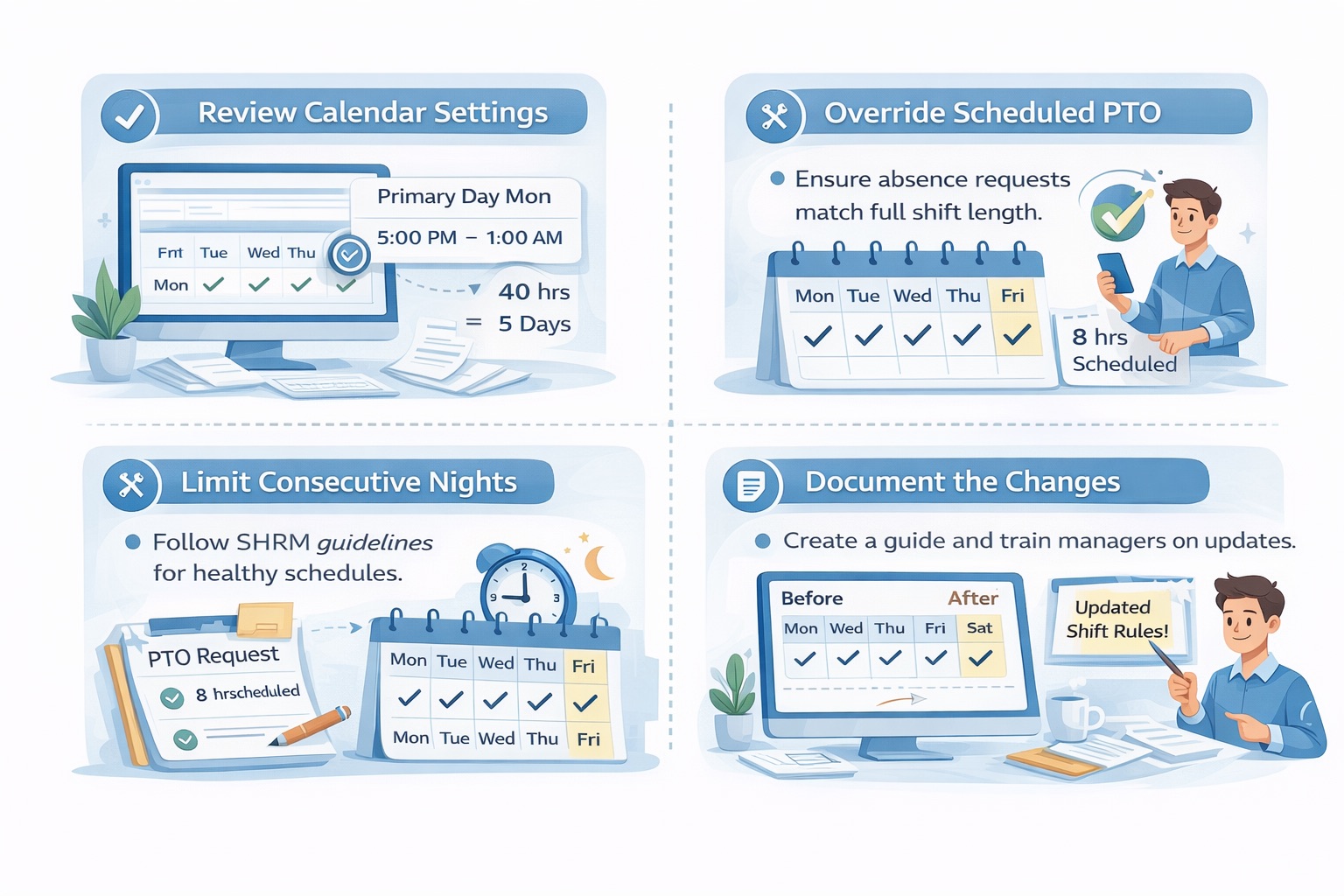
Next, check how absence requests pull scheduled hours. Some setups let you override the default for overnight workers so the system uses actual shift length instead of the split-day count. SHRM’s best practices for shift workers also recommend limiting consecutive nights and building in recovery time—good advice that pairs nicely with cleaner schedule rules.
Document the new configuration clearly for your team. Create a short guide showing before-and-after screenshots of the day count. Train managers on the updated process so everyone stays consistent.
Smarter Tools That Make Overnight Shifts Easier
Manual tweaks work for small teams, but growing organizations need technology that handles complexity automatically. Many Workday admins are turning to specialized time clocks that capture real punches instead of relying only on scheduled calendars.
One standout option is CloudApper AI TimeClock for Workday. This affordable, touchless biometric solution turns any tablet into a secure time clock using Face ID—no cards or PINs needed. It supports geofencing, works offline, and syncs instantly with Workday HCM, Payroll, and Absence Management. Employees can bid on shifts, swap coverage, request PTO, and check accruals right from their phone. The built-in AI assistant answers questions 24/7 and automates overtime and accrual calculations based on your exact rules.
Because it records actual clock-in and clock-out times with biometric accuracy, it reduces the risk of calendar spillover errors feeding into payroll and absence. Admins report up to 75% cost savings compared with traditional Workday clocks, plus fewer manual corrections. For US and Canadian teams worried about compliance, it includes attestations and location verification that align with labor laws. Check it out at https://www.cloudapper.ai/affordable-touchless-biometric-ai-time-clock-for-workday-time-tracking-payroll/ if you want a simpler way to handle overnight and rotating shifts.
Frequently Asked Questions About Overnight Shifts in Time Tracking
How do overnight shifts affect daily scheduled hours calculation?
When a shift crosses midnight, the system may count hours on two calendar days. This increases the “days worked” number and lowers the average daily hours used for accruals.
Why does my work schedule calendar show six days for a Monday-to-Friday overnight shift?
The Friday shift that ends at 1 AM Saturday registers activity on Saturday. Without a proper day breaker or shift definition, the calendar treats it as a sixth working day.
What is the best way to calculate daily scheduled hours for shift workers?
Use weekly hours divided by actual scheduled days after setting the correct day breaker. Test with real shift examples and compare against SHRM timekeeping guidelines.
Can I fix accrual errors caused by overnight shifts without changing every employee record?
Yes—update the central work schedule calendar and shift definitions first. Then apply overrides or custom calculations where needed. Many teams also layer in automated time clocks for cleaner source data.
Do labor laws require special handling for shifts that cross midnight?
U.S. Department of Labor and Canadian rules focus on total hours worked and accurate records. As long as every hour is captured correctly and paid properly, the system can assign days flexibly—but your setup must stay consistent and auditable.
How can AI time clocks help with complex shift schedules?
They capture exact punch times, apply your rules automatically, and feed clean data into absence and payroll modules. Features like shift swapping and real-time accrual views reduce admin work and employee questions.
Better Schedules Mean Better Results
Overnight shift issues in time tracking do not have to stay a constant headache. By understanding how the work schedule calendar handles midnight crossings, applying the right configurations, and adding smart tools where needed, you can keep daily scheduled hours accurate and accruals fair. Your teams get the leave they earned, payroll runs smoothly, and you spend less time troubleshooting.
DecisionMakersHub.com regularly shares practical guides like this to help HR leaders and Workday admins across the US and Canada make smarter tech decisions. If overnight shifts are causing accrual headaches in your organization, start with a quick audit of your calendar settings today. The fix is often simpler than it seems—and the payoff in accuracy and team trust is huge.