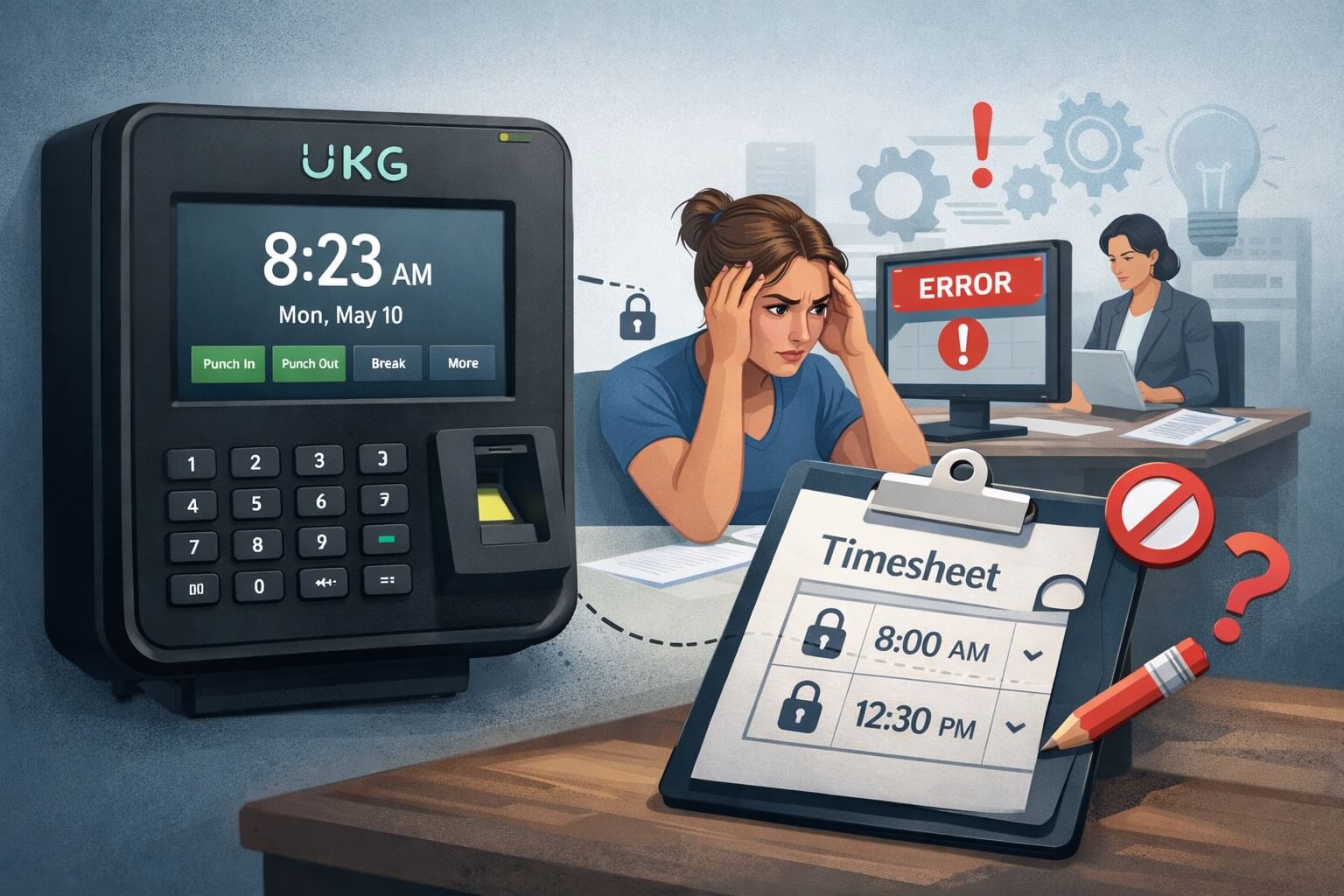
Picture this common scenario: An employee arrives at work an hour and a half early at their manager’s request. They try to clock in through their UKG app, but the system won’t let them punch early. When they finally clock in at their scheduled time, they attempt to edit the punch to reflect their actual arrival at 2 PM. The system blocks the edit. They try to add a comment explaining the situation. That option is grayed out too.
This frustrating experience isn’t unique to one employee or one company. It’s a widespread issue affecting thousands of workers using UKG (formerly Kronos) time and attendance systems across the United States and Canada. For HR professionals, these technical limitations create a cascade of problems: payroll inaccuracies, employee dissatisfaction, administrative burden, compliance risks, and damaged trust in HR systems.
Let’s explore why UKG punch editing has become so restrictive, what problems this creates for both employees and HR departments, and most importantly, what solutions exist to fix these issues once and for all.
Understanding the UKG Punch Restriction Problem
UKG systems—including UKG Pro, UKG Dimensions (formerly Workforce Management), and UKG Ready—have implemented increasingly strict controls around employee self-service punch editing. What used to be a straightforward process has become complicated, often impossible, for front-line workers.
Why the restrictions exist: UKG implemented these controls primarily to prevent time theft, reduce fraudulent time entries, maintain data integrity for payroll processing, and ensure compliance with labor laws requiring accurate time records. In theory, these are legitimate concerns. In practice, the restrictions often go too far, preventing even legitimate corrections.
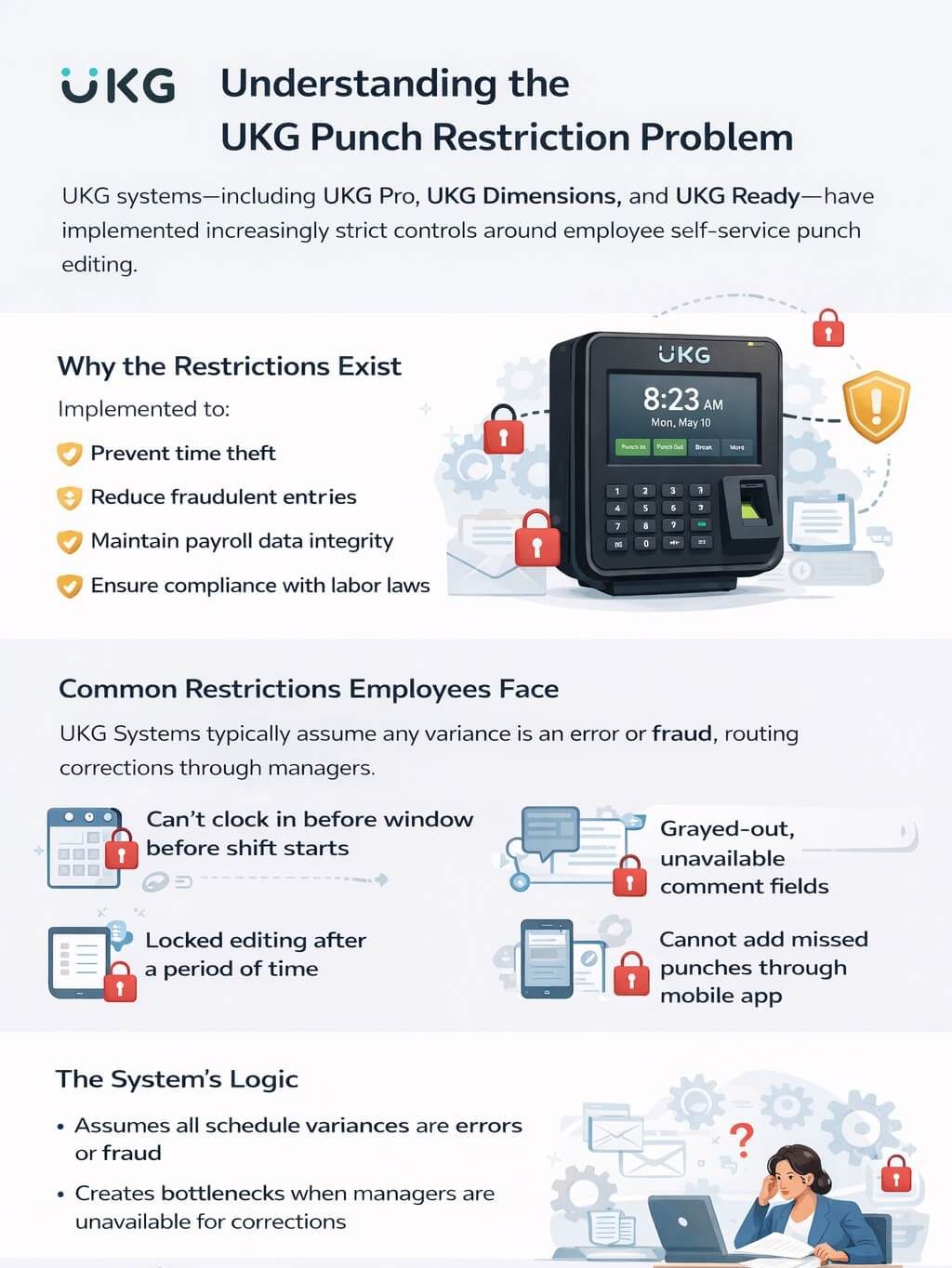
Common restrictions employees face include the inability to clock in before a certain window before their scheduled shift starts, inability to edit punches without manager approval, grayed-out or unavailable comment fields, locked editing after a certain time period has passed, and complete inability to add missed punches through the mobile app.
The system’s logic: UKG systems typically assume that any variance from the schedule is either an error or potential fraud. The system is designed to route all corrections through supervisors, theoretically creating accountability. However, this creates bottlenecks when managers are unavailable or overwhelmed with correction requests.
The Real Cost of Restrictive Punch Systems
When employees can’t manage their own time records, the consequences extend far beyond individual frustration.
For employees, restrictive systems create stress and anxiety about whether they’ll be paid correctly, time wasted trying to figure out how to make corrections, frustration with technology that seems to work against them rather than for them, and loss of trust in the timekeeping system and by extension, their employer.
For supervisors and managers, the burden is enormous. They spend hours each week processing time correction requests, investigating what actually happened when memory has already faded, making judgment calls about which corrections to approve, and dealing with employee complaints about the time clock system. Many managers report spending 5-10 hours per pay period just managing time corrections—time they could spend on actual management and productivity improvement.
For HR departments, the problems multiply. Payroll processing gets delayed while corrections are made, disputes arise over incorrect pay, compliance risks increase when time records don’t reflect actual hours worked, and employee relations suffer as workers blame HR for system inadequacies. Additionally, the administrative costs are staggering—some estimates suggest that manual time correction can cost $25-50 per incident when you factor in all the labor involved.
For the organization overall, restrictive time systems undermine culture. They send a message that employees can’t be trusted, create unnecessary bureaucracy, and damage the employer brand as word spreads about difficult-to-use systems.
Why UKG Made These Changes
It’s worth understanding that UKG didn’t make these systems restrictive to frustrate users. Several factors drove these decisions.
Preventing time theft: Buddy punching (having someone else clock in for you) and inflated hours were genuine problems that cost companies money. UKG’s solution was to lock down editing capabilities.
Audit requirements: Labor audits and wage-and-hour lawsuits have become more common. UKG systems create detailed audit trails showing who changed what and when, which requires limiting who can make changes.
Client requests: Some UKG clients actually requested more restrictions because they were dealing with time theft issues or wanted tighter controls. UKG built features to accommodate these requests, but applied them broadly across their platform.
System architecture: As UKG merged different products (Kronos and Ultimate Software became UKG), integrating systems created technical constraints that affected punch editing functionality.
The problem isn’t that UKG had bad intentions—it’s that their one-size-fits-all approach to preventing fraud created usability problems for the vast majority of honest employees.
Common UKG Punch Problems HR Professionals Encounter
Let’s break down the specific issues that create the most headaches for HR teams.
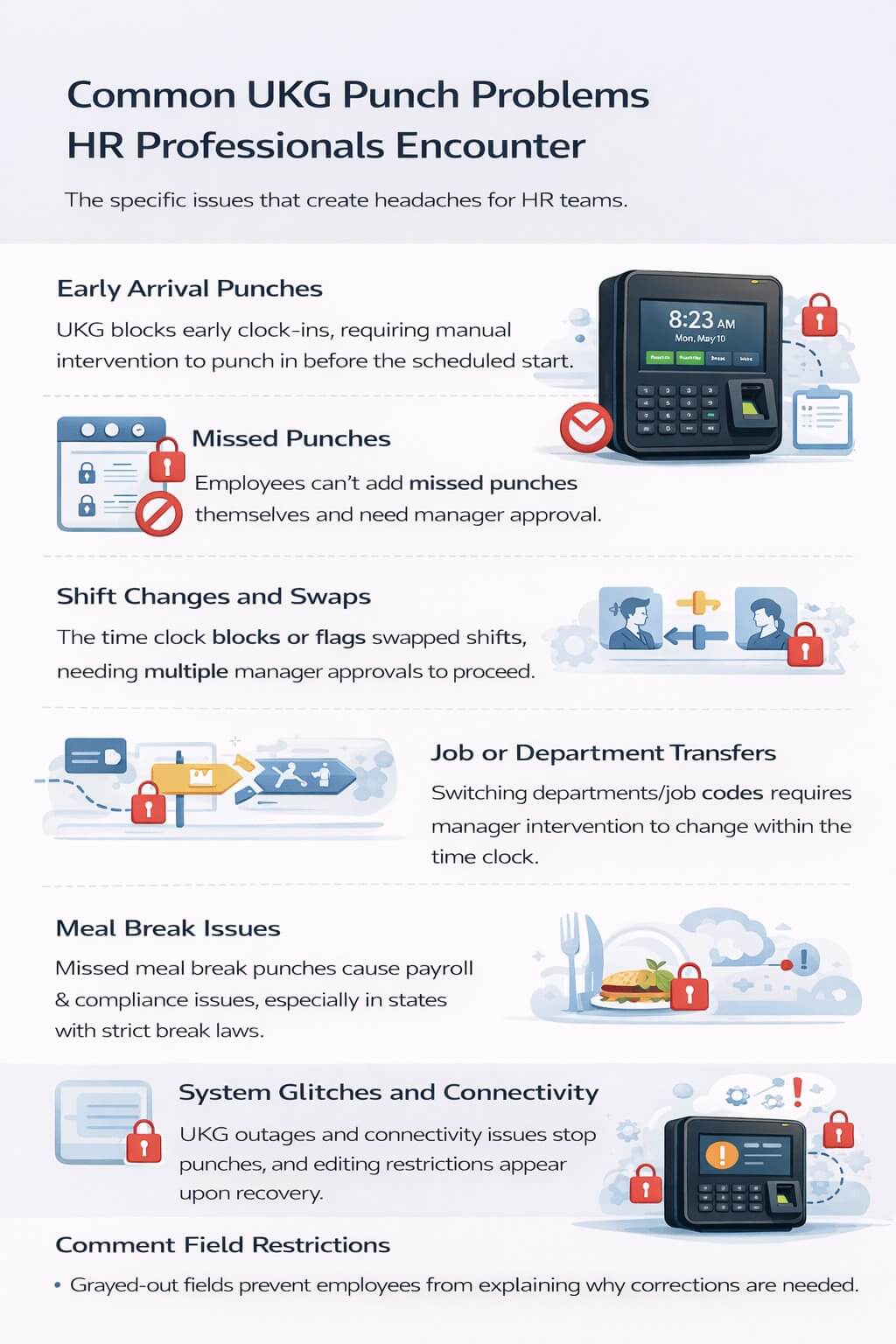
Early arrival punches: Employees who arrive early (whether at management request or personal preference) often can’t clock in outside their scheduled window. The system either blocks the punch entirely or requires manual intervention later.
Missed punches: When employees forget to clock in or out, they should be able to add the missing punch themselves. Instead, many UKG configurations require manager approval for any added punches, even when the employee has documentation or witnesses.
Shift changes and swaps: When employees swap shifts with coworkers, the time clock may not recognize them as scheduled, blocking their punch or flagging it for review. Getting these corrected requires multiple approval steps.
Job or department transfers: Employees who work in multiple departments or job codes during a shift may find they can’t switch their punch location or job assignment without manager intervention.
Meal break issues: In states with strict meal break laws (like California), missed meal break punches create both payroll and compliance problems. When employees can’t easily record their actual meal times, the company faces penalty pay risks.
System glitches and connectivity issues: When the UKG system has connectivity problems or crashes, employees may be unable to clock in at all. When service is restored, they face the same editing restrictions trying to record their actual hours.
Comment field restrictions: Even when employees are allowed to make corrections, grayed-out comment fields prevent them from explaining why the correction is needed, leaving managers without context.
How Traditional UKG Workflows Handle Corrections
To appreciate why this is such a problem, let’s walk through what typically happens when an employee needs to correct their time.
The standard process:
- Employee realizes their time punch is incorrect
- Employee attempts to edit through UKG mobile app or portal—usually blocked
- Employee submits a time correction request through the system
- Request sits in manager’s queue until they review it
- Manager tries to remember what happened that day (often days later)
- Manager approves or denies the request
- If approved, the correction flows to payroll
- If denied, employee must re-submit with additional explanation
- HR often gets involved to mediate disputes
Time delays: This process typically takes 24-48 hours minimum, often longer if managers are on vacation, overwhelmed, or don’t regularly check their queue. By the time the correction is processed, details have been forgotten, making verification difficult.
Points of failure: The process breaks down when managers don’t promptly review requests, employees don’t realize their punch is wrong until it’s too late, the system doesn’t preserve context about why the correction is needed, or communication gaps exist between employees and managers.
The Friday scramble: Many organizations face a desperate rush every pay period close to get all corrections processed before payroll runs. HR teams know this scenario well—spending Friday afternoons frantically chasing down managers to approve pending corrections so payroll can be accurate.
Legal and Compliance Implications
Restrictive punch systems that prevent accurate time recording create genuine legal risks that HR professionals should understand.
FLSA requirements: The Fair Labor Standards Act requires employers to keep accurate records of hours worked. When your timekeeping system makes accuracy difficult, you’re potentially in violation even if you eventually correct the records.
State meal break laws: States like California, New York, and others have specific requirements for meal and rest breaks. If employees can’t accurately record when breaks were taken or missed, you face premium pay penalties.
Overtime calculation: Incorrect punch times lead to incorrect overtime calculations. Even if you eventually fix the punches, you may have already paid incorrectly, requiring retro-pay adjustments that are both confusing for employees and administratively burdensome.
Audit exposure: During wage-and-hour audits or lawsuits, a pattern of manual corrections and overrides looks suspicious. It suggests your timekeeping system is unreliable, even if every correction was legitimate.
Record retention: Many jurisdictions require time records to be retained for 3-7 years. If your system requires excessive manual intervention, maintaining clean audit trails becomes complicated.
Employee Relations Impact
Beyond the operational and legal issues, restrictive time systems damage the employee experience in ways that affect retention and engagement.
Trust erosion: When employees feel the time clock system is working against them rather than for them, it damages their trust in the organization. They start to feel like they’re not trusted, which becomes a self-fulfilling prophecy.
Hourly worker experience: Front-line hourly workers are disproportionately affected by these problems. While salaried employees may have flexibility, hourly workers depend on accurate time tracking for their livelihoods. When the system fails them repeatedly, resentment builds.
Generational expectations: Younger workers who grew up with intuitive consumer technology expect workplace systems to be equally user-friendly. UKG’s restrictions feel dated and bureaucratic to employees accustomed to seamless digital experiences.
Turnover risk: In tight labor markets, difficult-to-use systems become a retention issue. Employees compare their experience to other employers and may leave for companies with better technology.
Why “Just Use the Manager Approval Workflow” Doesn’t Work
UKG’s standard response to these complaints is often “just use the manager approval workflow—it’s there for a reason.” Here’s why that’s inadequate.
Manager bandwidth: Managers in most organizations are already overwhelmed. Adding 10-20 time correction reviews per pay period per manager doesn’t scale, especially in organizations with hundreds of hourly workers.
Delayed corrections: The approval workflow is asynchronous, meaning corrections happen hours or days after the event. This delay causes two problems: details are forgotten, making verification difficult, and employees worry whether their time will be correct for payroll.
Context loss: When an employee requests a correction days later, the context of why they arrived early, stayed late, or missed a punch is lost. Managers have to investigate rather than simply verify.
System friction: The multi-step process creates unnecessary friction for routine, legitimate corrections. It’s like requiring a supervisor to approve every email—theoretically possible, but practically absurd for high-volume activities.
The CloudApper hrPad Solution: Redesigning Time Capture for Reality
Recognizing these widespread problems, CloudApper developed hrPad, an AI-powered tablet solution that integrates with UKG while solving the punch editing problem at its source.
What CloudApper hrPad does differently:
Intelligent punch validation: Instead of blocking early punches or late edits, hrPad uses AI to identify potential issues in real-time and prompt employees to address them immediately at the time clock. For example, if an employee arrives 90 minutes early, hrPad asks: “You’re clocking in earlier than scheduled. Is this correct?” The employee can confirm and add a comment right then, while the context is fresh.
Self-service corrections at the point of entry: Rather than requiring employees to submit corrections through a portal later, hrPad allows them to make corrections at the physical time clock, with proper attestation and documentation. If an employee forgot to clock out yesterday, they can add that punch at the time clock this morning, with required comments and manager notification.
Automated missed punch detection: hrPad monitors for missed punches in real-time and can proactively notify employees. If someone clocked in but hasn’t clocked out by the end of their scheduled shift plus a buffer period, hrPad can send an alert: “You may have forgotten to clock out. Please verify your time.”
Comment capture that actually works: Unlike UKG’s often-grayed-out comment fields, hrPad makes comments mandatory for certain types of corrections, ensuring the “why” is captured when it matters. Comments are immediately synced to UKG along with the punch data.
Offline functionality: When UKG connectivity is down, hrPad continues to capture punches offline and syncs them automatically when connectivity is restored. Employees never face a “can’t clock in because the system is down” situation.
Geofencing and location verification: For organizations concerned about fraudulent punches, hrPad can use geofencing to verify the employee is actually at the work location, providing fraud prevention without sacrificing usability.
Biometric verification: Face recognition ensures the person clocking in is actually the scheduled employee, preventing buddy punching without requiring physical badges that can be lost or forgotten.
How hrPad Works in Real-World Scenarios
Let’s revisit that opening scenario and see how hrPad would handle it differently.
Scenario 1: Early arrival
- Employee arrives 90 minutes early as requested by manager
- Employee approaches hrPad tablet
- hrPad recognizes the employee via facial recognition
- System prompts: “You’re scheduled to start at 3:30 PM but you’re clocking in at 2:00 PM. Is this correct?”
- Employee taps “Yes” and selects reason: “Requested by manager”
- Employee can add comment: “Manager asked me to come early to help with shipment”
- Punch is recorded with full context
- Manager receives notification but punch is already recorded—no delay
Scenario 2: Missed punch yesterday
- Employee arrives for today’s shift
- hrPad detects missing clock-out from yesterday
- System prompts: “You’re missing a clock-out from yesterday. What time did you leave?”
- Employee enters 5:30 PM
- Employee adds required comment: “Forgot to clock out, left after completing inventory”
- Punch is added immediately
- Manager receives notification to verify but correction is already in the system
Scenario 3: Department transfer mid-shift
- Employee works in Shipping for first 4 hours, then moves to Receiving
- At the time of transfer, employee taps “Transfer” on hrPad
- Selects new department from list
- System automatically creates the transfer punch
- Labor costs are accurately allocated to both departments
- No manager intervention needed for routine transfer
Key Features That Solve the UKG Editing Problem
CloudApper hrPad includes specific features designed to address the pain points HR professionals face.
Punch attestation: Employees can attest to the accuracy of their punches in real-time, creating a documented acknowledgment that holds up during audits. This is especially valuable for meal break compliance.
Conditional logic: hrPad can be configured with rules that trigger different prompts based on circumstances. For example: early arrivals must provide a reason, late punches trigger supervisor notification, or missed meal breaks require attestation of whether break was actually taken.
Real-time UKG synchronization: Unlike batch uploads that happen hourly or daily, hrPad syncs punch data to UKG in real-time (or near real-time), ensuring managers see accurate data immediately.
Mobile manager notifications: When an employee makes a correction or attestation, managers can receive instant notifications on their mobile device, allowing them to verify while the event is fresh rather than during a Friday afternoon scramble.
Customizable workflows: HR can configure different rules for different employee groups, departments, or situations, providing flexibility that UKG’s one-size-fits-all approach lacks.
Comprehensive audit trail: Every interaction with hrPad is logged—who made what change when, what comments were added, which manager approved it—creating a defensible record for compliance purposes.
Implementation Considerations for HR Leaders
If you’re an HR professional considering a solution like hrPad, here’s what you need to think about.
Integration with existing UKG environment: hrPad integrates with UKG Pro, UKG Dimensions, and UKG Ready through standard APIs. Implementation typically takes 2-4 weeks depending on complexity and doesn’t require replacing your existing UKG system.
Hardware requirements: hrPad runs on standard tablets (iPads or Android tablets), which is significantly more cost-effective than proprietary time clocks. Organizations typically deploy tablets at entrance points, department locations, or anywhere employees need to punch.
Change management: Moving from a restrictive system to a more flexible one requires change management. Employees need to understand they have more responsibility for accurate time entry, and managers need to trust the validation mechanisms.
Policy alignment: Before implementation, review your time and attendance policies to determine which editing capabilities should be enabled, what attestations are required, which notifications managers should receive, and what audit trails you need for compliance.
Training requirements: Both employees and managers need training on the new system. However, hrPad’s intuitive interface typically requires less training than navigating UKG’s complex web portal.
Pilot program approach: Many organizations start with a pilot in one department or location to work out configuration details before rolling out enterprise-wide.
ROI: What Does Solving This Problem Save?
Let’s quantify the value of fixing the punch editing problem.
Administrative time savings: If your organization processes 100 manual time corrections per pay period, and each correction takes 15 minutes of combined employee/manager/HR time at an average labor cost of $30/hour, that’s $7.50 per correction or $750 per pay period. Annually, that’s nearly $20,000 in labor costs for a mid-sized organization.
Payroll accuracy improvement: Incorrect punches lead to incorrect pay, which leads to retro-pay adjustments, manual checks, and administrative overhead. Reducing payroll errors by even 50% can save thousands annually in processing costs alone.
Compliance risk reduction: A single wage-and-hour violation can cost tens of thousands in penalties and legal fees. While difficult to quantify, reducing compliance risk has real financial value.
Employee retention: If your difficult time clock system contributes to even one hourly employee deciding to quit, the replacement cost (typically 30-50% of annual salary) far exceeds the cost of a better system.
Manager productivity: Freeing managers from 5-10 hours per pay period of time correction work allows them to focus on actual management activities that drive productivity and employee development.
Alternative Solutions and Workarounds
While CloudApper hrPad offers a comprehensive solution, HR professionals should be aware of other approaches organizations have tried.
Loosening UKG restrictions: Some organizations work with their UKG implementation partner to reduce system restrictions, enabling more employee self-service. This helps but doesn’t solve the root UX problems.
Time clock kiosks at entry points: Placing dedicated time clocks at every entrance reminds employees to punch and makes it physically convenient. This reduces missed punches but doesn’t solve editing problems.
Manager delegation: Some organizations assign “time coordinators” in each department who have elevated permissions to process corrections, reducing the burden on managers. This helps workflow but adds another layer of administration.
Improved communication: Regular reminders to employees about punching accurately, combined with training on how to use the system, can reduce errors. However, this doesn’t fix fundamental UX problems.
Third-party time clock apps: Various apps claim to integrate with UKG, but many are either poorly integrated, lack enterprise features, or introduce additional complexity rather than reducing it.
The reality is that partial solutions help at the margins but don’t fundamentally solve the problem of restrictive, user-unfriendly time capture.
Best Practices for Managing UKG Time Corrections
Whether you implement new technology or work within existing constraints, these best practices can help.
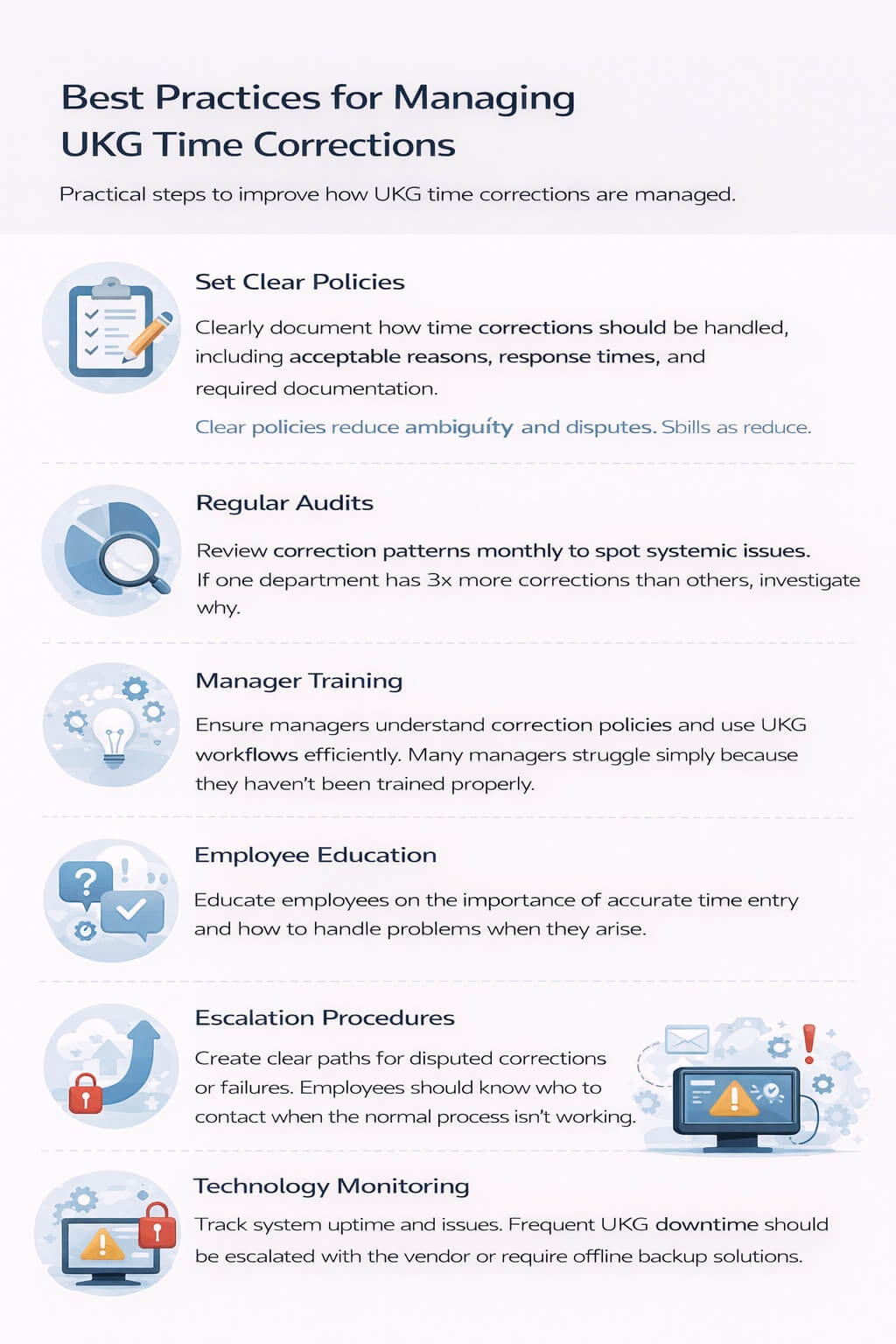
Set clear policies: Document exactly how time corrections should be handled, what reasons are acceptable, how quickly managers must respond to requests, and what documentation is required. Clear policies reduce ambiguity and disputes.
Regular audits: Review time correction patterns monthly to identify systemic issues. If one department has 3x more corrections than others, that’s a sign of a deeper problem worth investigating.
Manager training: Ensure managers understand the importance of timely correction reviews and how to use UKG’s approval workflows efficiently. Many managers struggle with these systems simply because they haven’t been properly trained.
Employee education: Help employees understand why accurate time entry matters, how to use the system correctly, what to do when problems occur, and why certain restrictions exist.
Escalation procedures: Create clear paths for handling disputed corrections or system failures. Employees should know who to contact when the normal process isn’t working.
Technology monitoring: Track system uptime and connectivity issues. If UKG is frequently down, preventing employees from punching, you need to escalate with your vendor or implement offline backup solutions.
The Future of Time and Attendance
As we look ahead, several trends are shaping how organizations will handle time capture.
AI and automation: Artificial intelligence will increasingly handle routine decisions that currently require human intervention. Systems will learn patterns and automatically handle expected variances.
Mobile-first design: More solutions will be designed primarily for mobile use, recognizing that employees expect to manage everything from their phones.
Predictive analytics: Future systems will predict and prevent problems rather than just recording them. For example, AI might notice an employee hasn’t clocked out and proactively send a reminder before it becomes a missed punch.
Integrated workflows: Time capture will become more integrated with scheduling, payroll, and other HR systems, reducing the data handoffs that create errors.
Employee autonomy: The trend is toward more employee self-service with appropriate guardrails, rather than the restrictive approaches of the past.
UKG itself continues to evolve its platforms, but large enterprise software companies move slowly. Third-party solutions like CloudApper hrPad can innovate faster, providing immediate relief for current pain points.
Making the Case to Leadership
If you’re an HR professional who wants to solve this problem, you’ll likely need to convince financial decision-makers that it’s worth the investment. Here’s how to build that business case.
Quantify current costs: Calculate how much time and money your organization currently spends on manual time corrections. Include employee time, manager time, HR time, and payroll processing delays.
Highlight compliance risks: Research wage-and-hour violations in your industry and quantify the potential financial exposure if your time records are found inaccurate during an audit.
Connect to strategic goals: If your organization is focused on employee experience, digital transformation, or operational efficiency, position better time capture as supporting those goals.
Pilot approach: Propose starting with a small pilot that can demonstrate ROI before enterprise-wide rollout. This reduces risk for decision-makers while proving the concept.
Vendor references: Companies like CloudApper can provide references from similar organizations that have solved these problems, giving leadership confidence in the solution.
Moving from Restriction to Empowerment
The UKG punch editing problem is fundamentally about the tension between control and usability. Organizations need accurate time records for payroll and compliance. They also need systems that employees can actually use without constant frustration.
The old approach—lock down everything and force all corrections through managers—creates more problems than it solves. It burdens managers, frustrates employees, delays corrections, and ironically, often results in less accurate data because the process is so cumbersome that people give up or work around it.
The solution isn’t to eliminate all controls—fraud prevention and audit trails remain important. The solution is smarter systems that capture corrections at the point of occurrence, with appropriate documentation and validation, while respecting employee autonomy and manager time.
For HR professionals dealing with these issues daily, solutions like CloudApper hrPad offer a path forward that doesn’t require ripping out your entire UKG infrastructure. By adding an intelligent layer on top of UKG’s time and attendance functionality, you can give employees the self-service capabilities they need while maintaining the control and compliance your organization requires.
The question isn’t whether your organization’s time capture system needs improvement—if you’re reading this article, you already know it does. The question is whether you’ll continue managing the current problems reactively, or proactively implement solutions that prevent them from occurring in the first place.
Every pay period that passes with manual corrections, frustrated employees, and overwhelmed managers is a period where your organization is leaving money on the table and damaging employee relations. The technology exists to fix this problem. Now it’s up to HR leaders to make it a priority.